


If you’ve landed here wondering if Pagefreezer and WebPreserver are the same thing, you’ve come to the right place.
If you are researching solutions for online content capture, you will likely come across both Pagefreezer Archiving suite and WebPreserver Online Evidence Collection. While both solutions are offered by Pagefreezer (the company) and both capture digital content, they are designed for different purposes and contexts.
Both help create defensible records. Both can support legal, compliance, and investigative workflows. Both can help you save time and reduce manual labour. But they are not the same.
If you’re feeling a bit stuck trying to figure out which one fits your specific needs—or if you actually need both—this guide is for you.
Who is Pagefreezer? (The Company)
First, let’s get this straight: our company name is Pagefreezer.
Pagefreezer (the company) offers a variety of digital capture solutions, including our Pagefreezer Archiving suite and the WebPreserver Evidence Collection app.
Pagefreezer is a B2B SaaS technology company based in Vancouver, Canada, specializing in the preservation of online content. For more than 15 years, we’ve helped organizations maintain trustworthy records of digital communications, supporting transparency, investigations, accountability, and information governance in an increasingly online world.
Are Pagefreezer and WebPreserver the Same?
When you break down the actual capabilities and technology behind the two major solutions offered by Pagefreezer, there are a lot of similarities.
Both Pagefreezer Archiving and WebPreserver Evidence Collection:
-
Capture websites and social media content
-
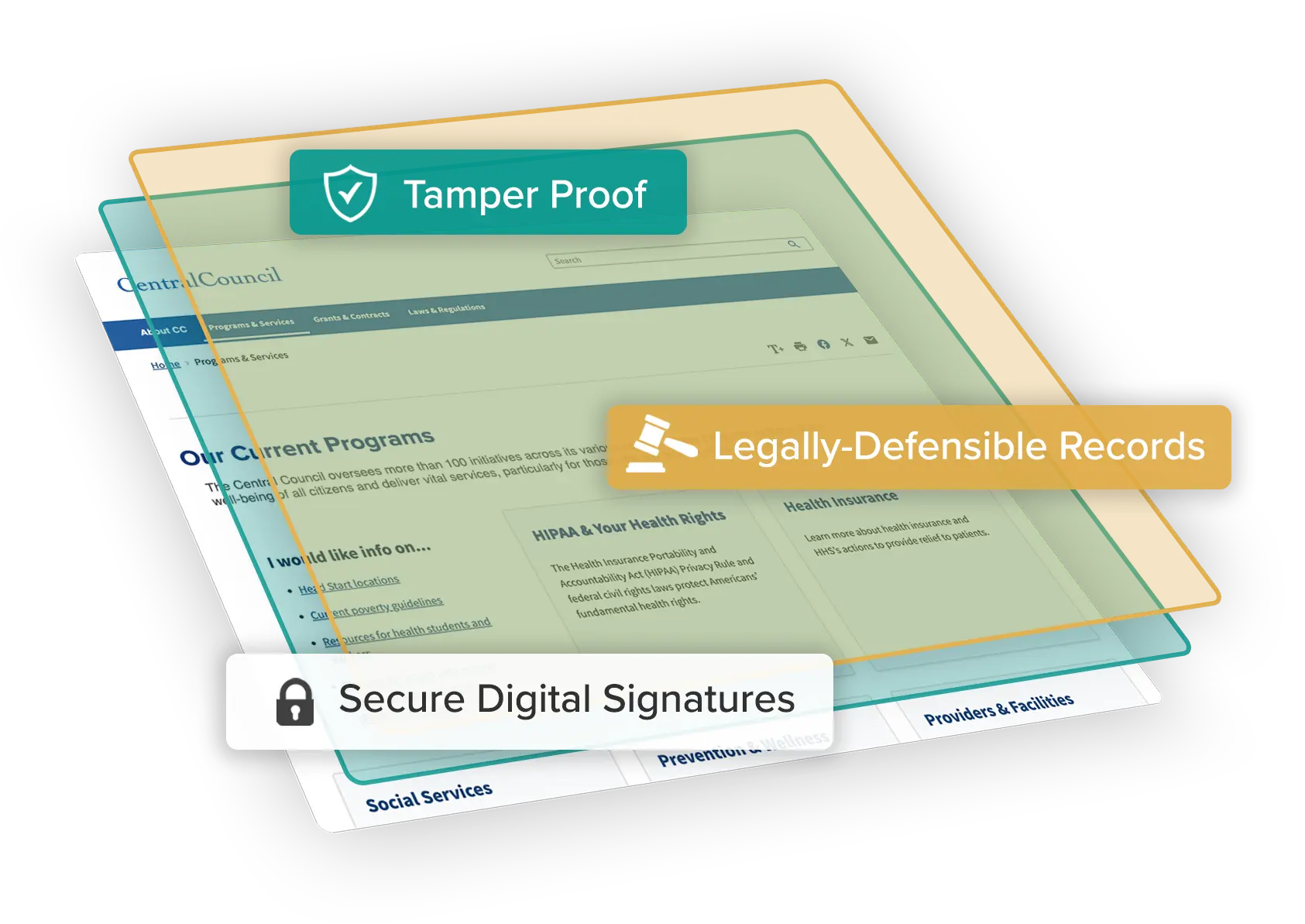
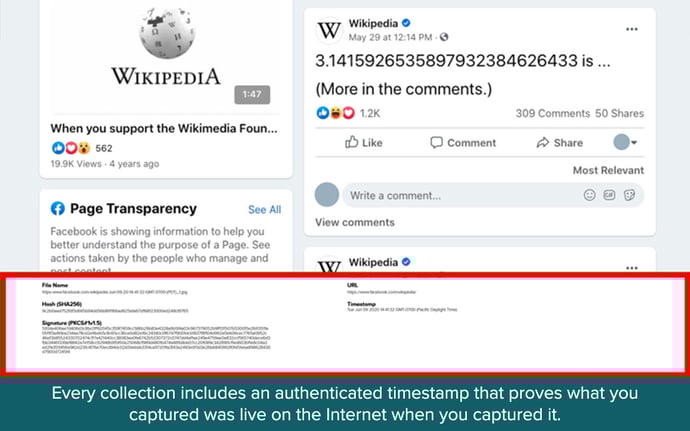
Produce legally defensible records with digital signatures and timestamps
-
Are used by legal, compliance, and law enforcement teams
-
Leverage automation to scale capture while maintaining high quality
-
Preserve context as well as content
Since both solutions offered by Pagefreezer have all these great overlapping capabilities, we wouldn’t fault you for confusing them.
But no, they are not the same.
Let’s explore their differences and why you may need one and not the other, or may potentially benefit from using both.
What is Pagefreezer Archiving Suite?
Pagefreezer Archiving suite is an automated, cloud-based archiving platform designed for the continuous oversight of digital content your organization owns, including social media and website content.
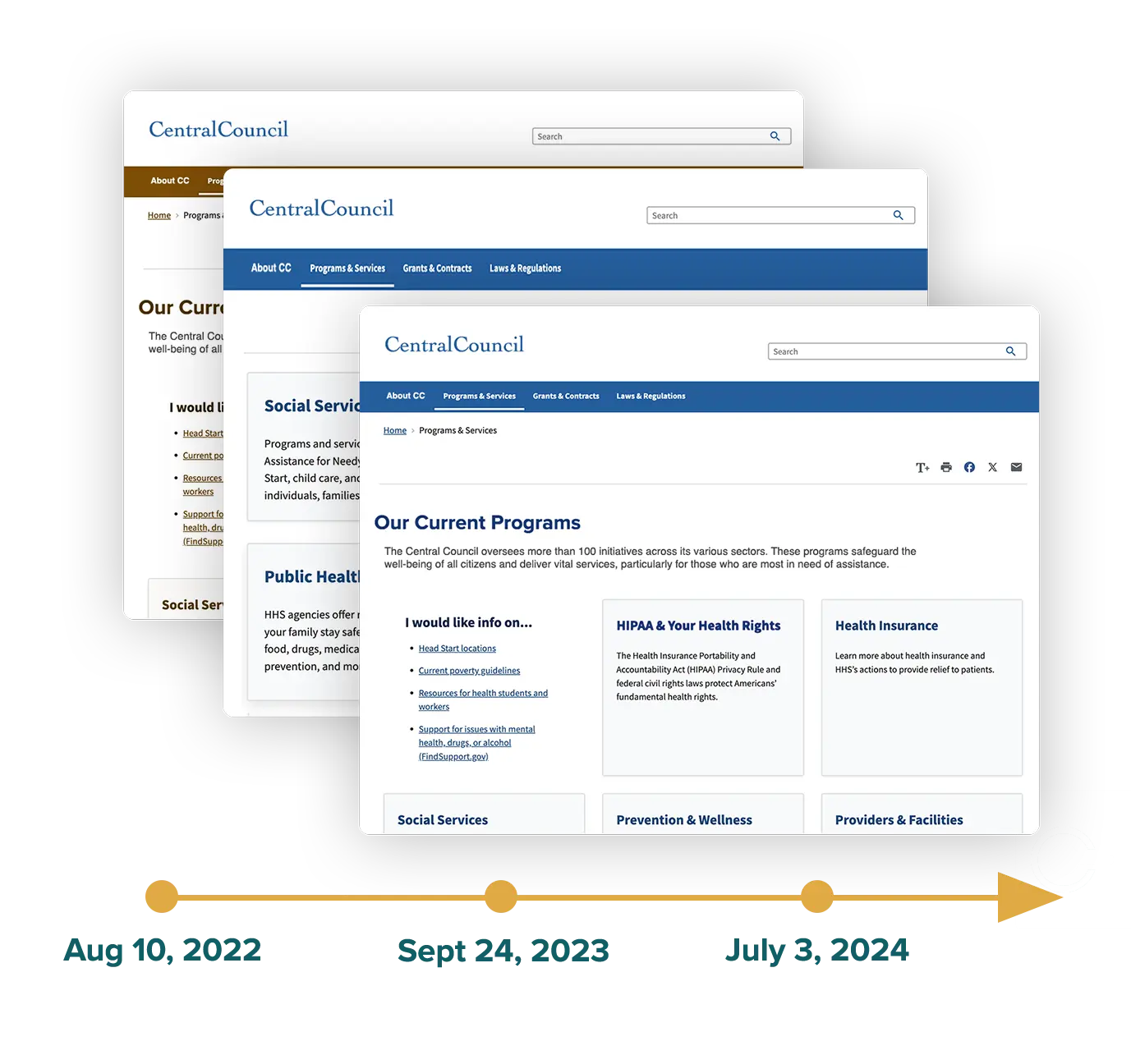
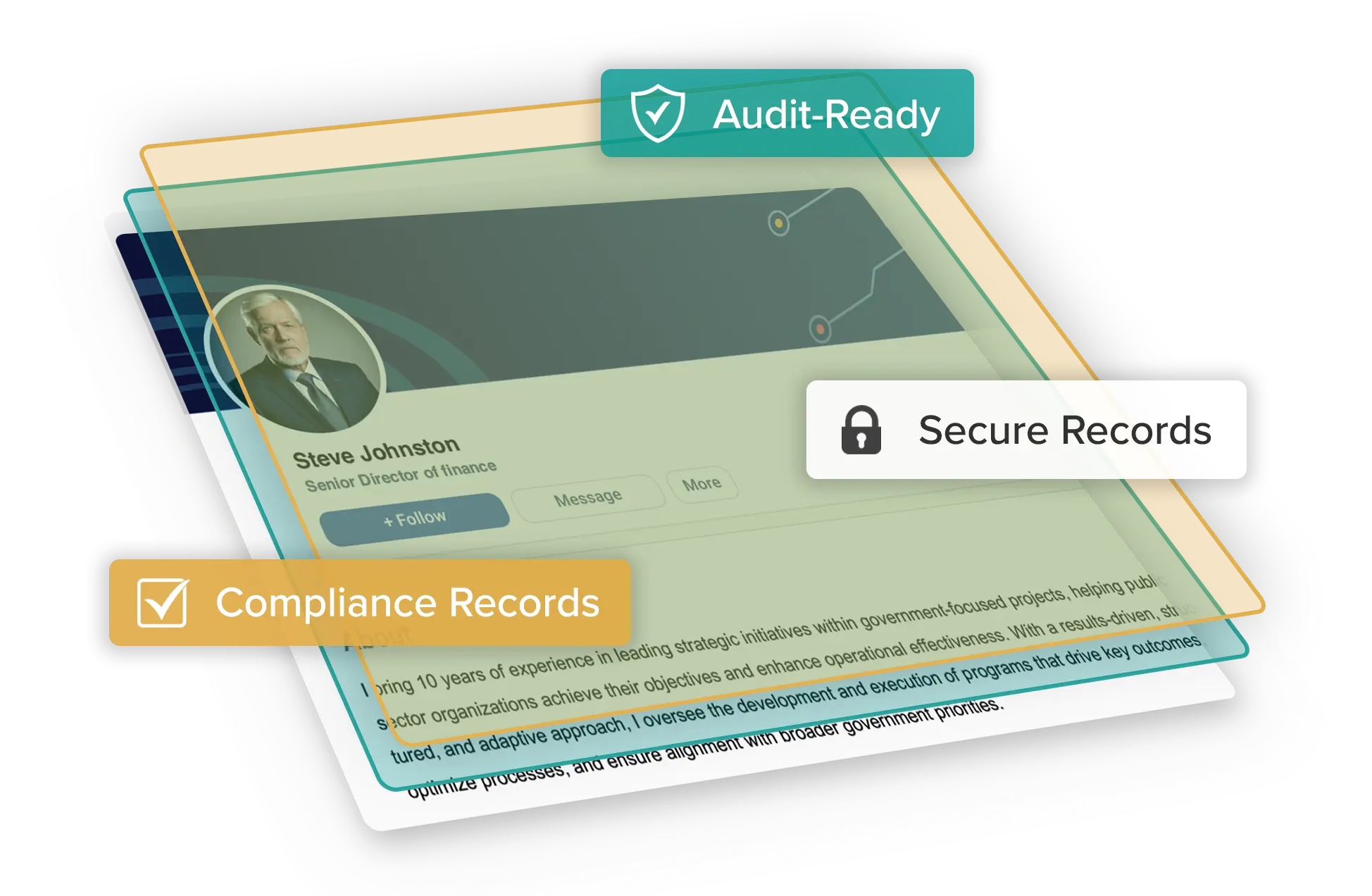
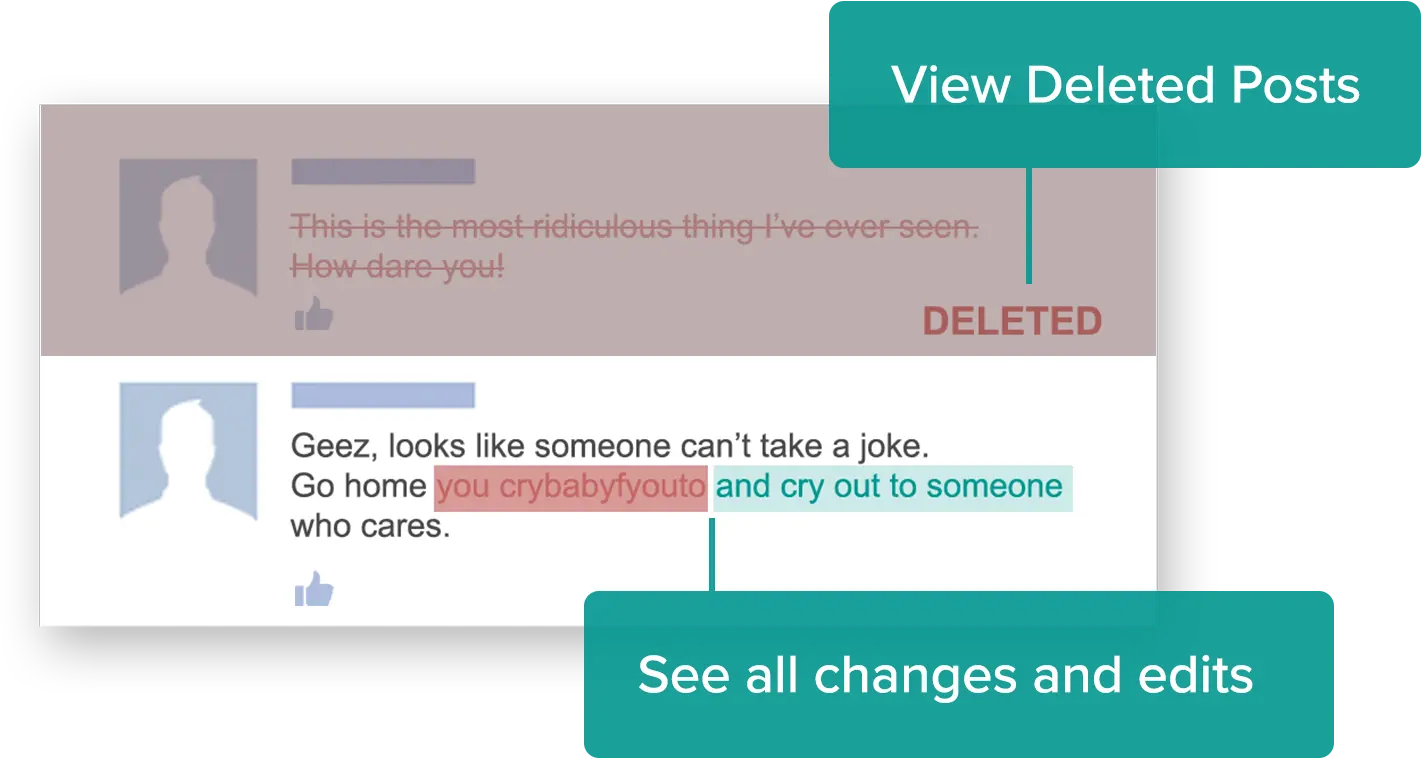
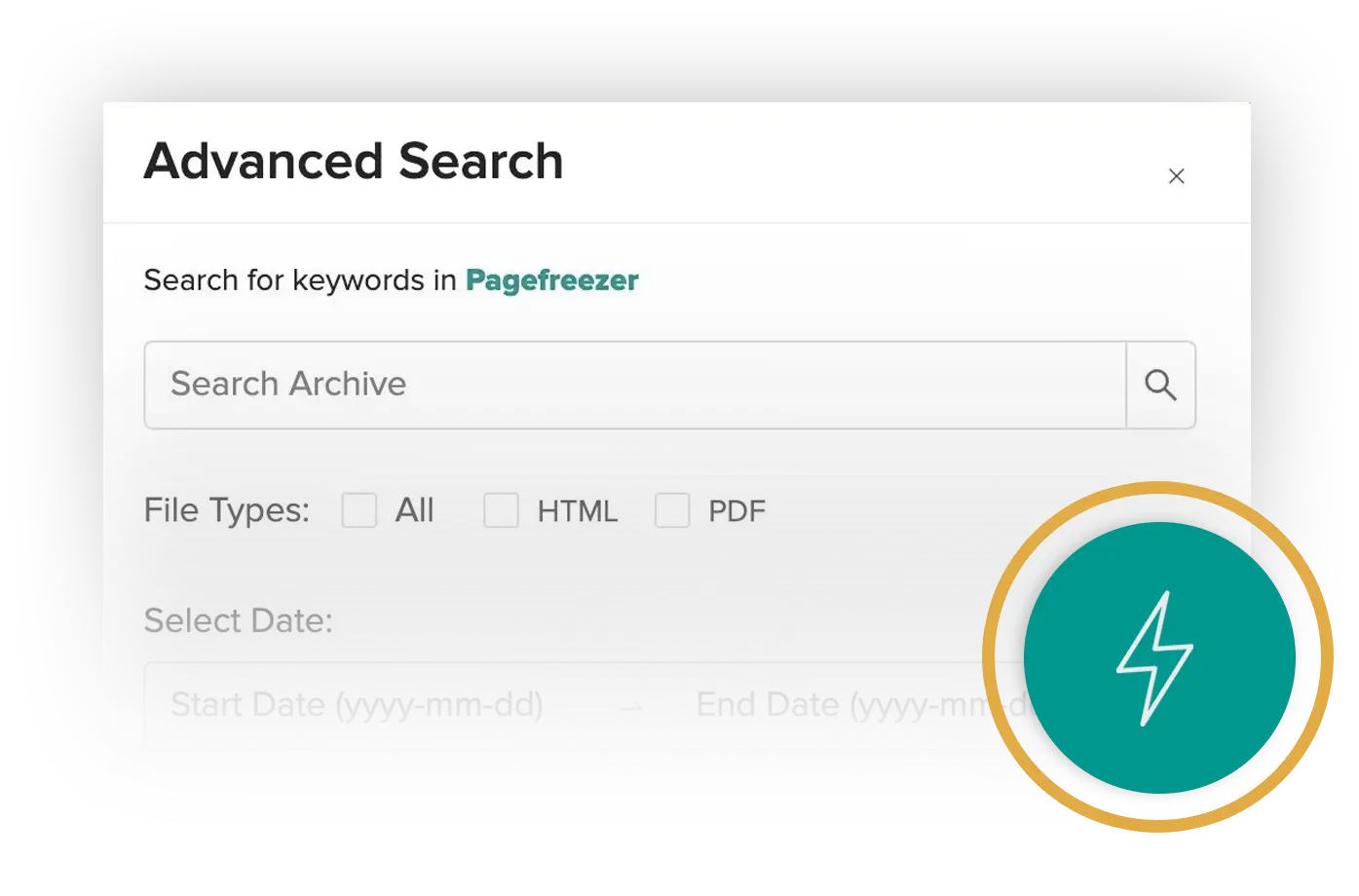
Sophisticated archiving capabilities ensure all content is captured and archived in real time. Even if your content is deleted and taken down, you can rest assured that you will retain an unalterable record. This content can be accessed through a dashboard that not only allows for the seamless search across your digital content, but also lets organizations monitor platforms for risky activity and conversations.
Pagefreezer Archiving works in the background, automatically crawling your websites and connecting to your social media accounts via API for near-real time captures. It is built for compliance, recordkeeping, historical digital preservation, audits, FOIA and open records workflows, and litigation readiness.
Pagefreezer Archiving Suite Quick Facts
-
Key Function: Automated, ongoing online content capture.
-
Content Type: Owned content (your company websites & official social media profiles).
-
Primary Use Case: Compliance (SEC, FINRA, FOIA), eDiscovery, and corporate recordkeeping.
-
Software Type: SaaS platform/Cloud-based crawler.
Use Pagefreezer Archiving suite when you need to:
-
Archive your website continuously
-
Preserve official social media accounts automatically
-
Capture edits and deletions over time
-
Prevent recordkeeping gaps that would create compliance, legal, or operational risk
-
Support audits, compliance reviews, eDiscovery, or open records requests
-
Give legal, records, or compliance teams easy access to historical records without manual collection
Who Should Use Pagefreezer Archiving Suite?
You should choose Pagefreezer Archiving suite if your primary goal is to maintain a complete, historical record of your organization's digital footprint. Thousands of organizations of all sizes use Pagefreezer Archiving suite, including:
Government Agencies
Use Case: To meet FOIA and open records requirements by automatically archiving every website change and social media post and comment (even deleted ones).
Favorite Features:
-
Automated capture of all content and context (even deletions & edits)
-
High-fidelity, live-like interactive replay of records
-
Full-text, advanced search across all records
-
User-friendly dashboard
-
Usable exports in required formats
-
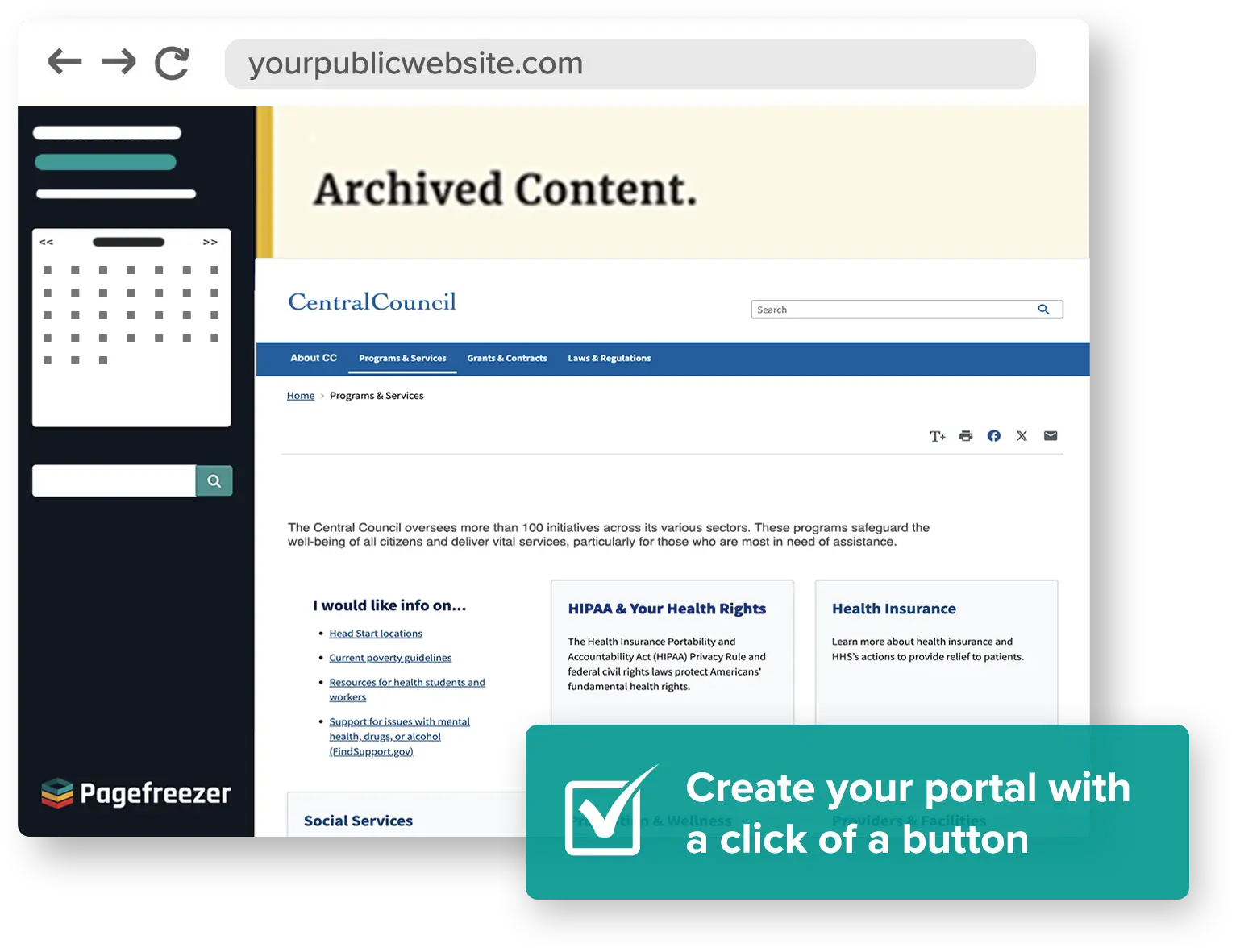
Self-serve open records portal
-
Alerts to monitor high-volume threads or sensitive keywords
Key Benefits:
-
Support FOIA and open records compliance
-
Reduce manual recordkeeping work
-
Easily locate, review, & export records as needed
-
Speed up records request response times
-
Build trust through transparency
Financial Service Providers
Use case: To comply with SEC and FINRA recordkeeping rules for digital communications.
Favorite Features:
-
Automated capture of all content and context (even deletions & edits)
-
WORM-storage to meet books and records requirements
-
Approval verification workflows
-
Side-by-side website change comparison
-
Email notifications for updates, changes, and deletions on the site
-
Full-text, advanced search across all records
-
Customizable retention periods
-
Capture gated or password protected websites
Key Benefits:
-
Support SEC & FINRA compliance
-
Reduce manual recordkeeping risks and compliance gaps
-
Easily locate, review, & export records as needed
-
Speed up audits
-
Get peace of mind
Enterprises
Use case: To ensure corporate records are maintained for legal hold and eDiscovery, and to preserve institutional knowledge.
Favorite Features:
-
Automated capture of all content and context (even deletions & edits)
-
High-fidelity, live-like interactive replay of records
-
Full-text, advanced search across all records
-
Side-by-side website change comparison
-
User-friendly dashboard
-
Legal hold & customizable retention periods
Key Benefits:
-
Lower dependence on IT
-
Legally defensible records
-
Litigation readiness
-
Monitor & compare website changes over time
-
Easily locate, review, & export records as needed
Learn more about Pagefreezer Social Media & Website Archiving here.
What is WebPreserver Digital Evidence Collection?
WebPreserver Digital Evidence Collection is an on-demand, user-initiated forensic collection tool designed to capture any content you can find online, like third-party websites, forums, social media posts, and even the dark web.
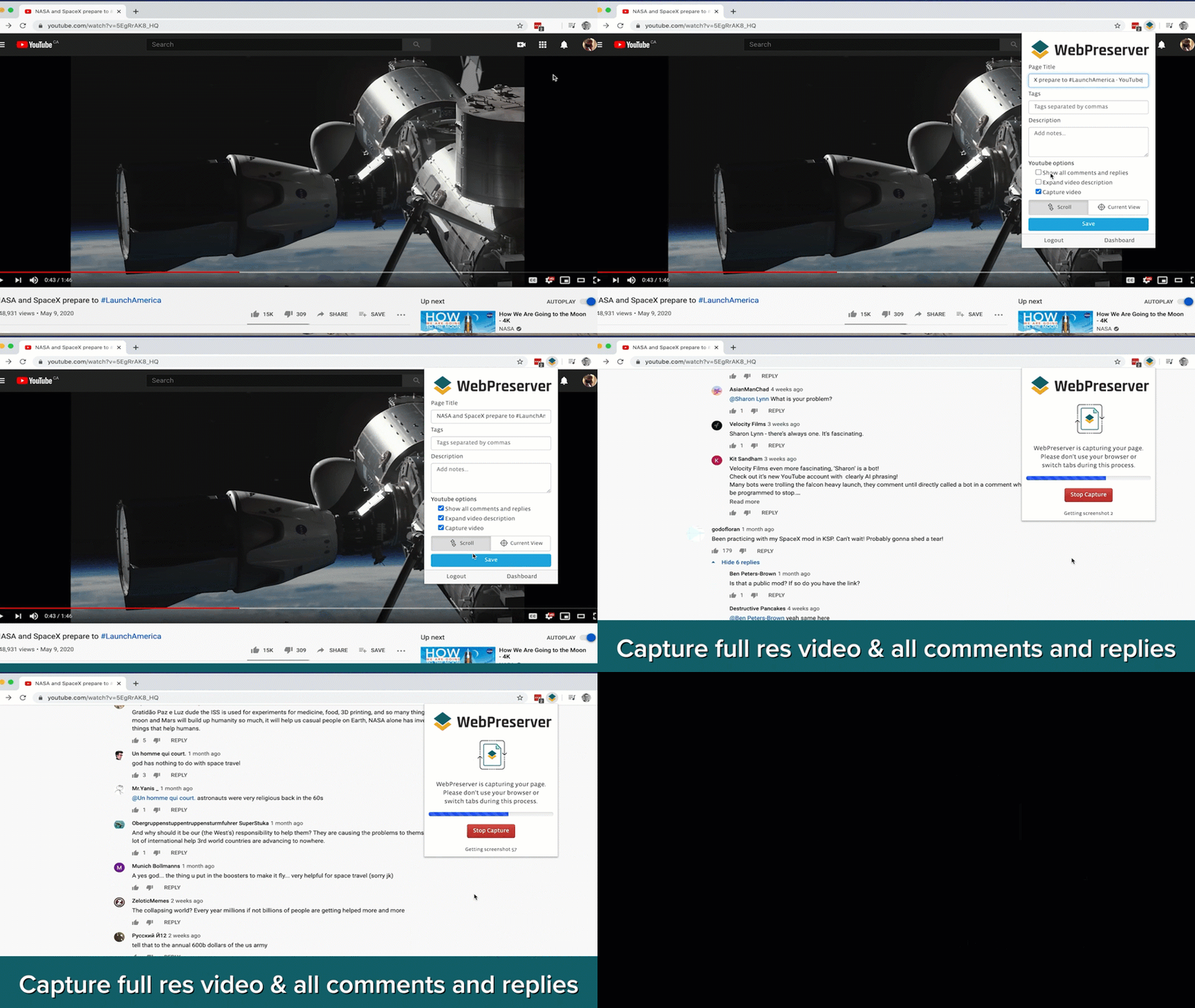
It is a Chrome browser-based plugin that allows investigators to capture evidence in just two clicks. WebPreserver automates many of the labor-intensive tasks like expanding comments, scrolling long timelines, downloading videos, scaling bulk capture, etc. All preservations are stored on the user’s browser files and computer and are only accessible by the user.
WebPreserver is built for speed and the immediate preservation of volatile evidence that could be deleted at any moment.
WebPreserver Digital Evidence Collection Quick Facts
-
Key Function: On-demand capture and instant downloads
-
Content Type: Third-party content (public social media profiles, news sites, blogs, or websites owned by other parties).
-
Primary Use Case: Online investigations, intellectual property disputes, and criminal litigation.
-
Software Type: Browser-based plugin (Chrome).
Use WebPreserver Digital Evidence Collection when you need to:
-
Capture a third-party website or post immediately
-
Preserve evidence before it is edited or deleted
-
Collect public web or social media content for an investigation
-
Support disputes, brand protection, fraud reviews, OSINT, SOCMINT, or litigation
-
Create a defensible snapshot of what was visible online at a specific moment
Who Should Use WebPreserver Digital Evidence Collection?
You should choose WebPreserver if you are an investigator or legal professional who needs defensible evidence of what was visible online. Thousands of investigators from all backgrounds rely on WebPreserver to capture forensically sound evidence online, including:
Law Firms & Investigative Firms
Use Case: To collect legally-defensible evidence from third-party websites, public social media profiles, posts, comments, videos, and pages before the content changes or disappears.
Favorite Features:
-
Instant, browser-based evidence capture
-
Auto-scroll and auto-expansion of comments, replies, and hidden content
-
Full website and bulk capture options
-
Automated video capture
-
Screen recording
-
Export to defensible PDF, searchable PDF, MHTML, and WARC formats
-
SHA-256 digital signatures, timestamps, and metadata capture
-
File tagging and case management folders
Key Benefits:
-
Capture evidence before it is altered or deleted
-
Support legal defensibility with metadata & digital signatures
-
Reduce time spent on manual screenshots and documentation
-
Preserve content in full context
-
Maintain strong chain of custody
-
Create repeatable, defensible collection workflows
Law Enforcement & Digital Investigators
Use Case: To collect social media and website evidence for OSINT, SOCMINT, fraud reviews, criminal investigations, and time-sensitive online intelligence gathering.
Favorite Features:
-
Immediate capture of posts, profiles, pages, and timelines
-
SHA-256 digital signatures, timestamps, and metadata capture for defensibility
-
Bulk capture for larger collections
-
Automated capture of embedded video
-
Searchable exports for review and analysis
-
Browser-based workflow that supports rapid investigations
-
File tagging and case folders
Key Benefits:
-
Capture evidence before it disappears
-
Expand the scope of investigations without adding manual work
-
Reduce manual work and errors
-
Support findings with authenticated, legally-defensible evidence
-
Save time in active cases
Enterprise Legal Teams
Use Case: To preserve external online content related to disputes, fraud, copyright or trademark infringement, brand abuse, or other litigation and investigation matters involving content outside the organization’s control.
Favorite Features:
-
Immediate capture of third-party content
-
Defensible exports with metadata and authentication
-
Native-context preservation of comments, reactions, and linked content
-
Easy export for legal review and evidence handling
-
User-friendly workflow that anyone can use
Key Benefits:
-
Quickly preserve at-risk evidence from external sources
-
Support disputes and litigation with authenticated documentation
-
Cost-saving through reducing reliance on external vendors
-
Improve defensibility for web and social media evidence
-
Reduce reliance on technical experts for defensible evidence collection
Learn more about WebPreserver Digital Evidence Collection here.
The Case for Both: Pagefreezer Solutions Offer A Complete Digital Defense
For many of our customers, it isn't an "either/or" situation. Large enterprises often realize they have two separate risks to manage.
They use the Pagefreezer Archiving suite to ensure their own house is in order (the "defensive" play) with digital preservation, and they equip their legal and security teams with WebPreserver to handle external threats and investigations (the "offensive" play).
By having both, you close the gap. You have an automated record of what you said, and a forensic tool to prove what everyone else said.
What’s The Difference Between Pagefreezer & WebPreserver? Side-by-Side Comparison
Pagefreezer Archiving suite and WebPreserver Digital Evidence Collection are not interchangeable. Here are the main differences:
Pagefreezer vs. WebPreserver Chart
| SOLUTION | Pagefreezer Archiving suite | WebPreserver Digital Evidence Collection |
| WHAT IS IT? | Automated archiving solution for preserving owned digital content over time | On-demand evidence collection tool for capturing web-based content in the moment |
| PRIMARY PURPOSE | Ongoing recordkeeping & preservation, compliance, public records response, audits, & litigation readiness | Investigations, disputes, legal matters, & time-sensitive evidence collection |
| CORE USE CASE | Preserve complete historical digital record over time | Preserve evidence before it changes or disappears |
| TIMING | Continuous & scheduled | Immediate & on-demand |
| TECHNOLOGY | SaaS | Chrome extension |
| DEPLOYMENT | Cloud-based platform | Browser-based capture tool |
| STORAGE | Cloud | User computer |
| METHOD | Automated cloud crawler / API | Automated browser-based crawler |
| CAPTURE MODEL | Continuous, automated archiving | User-initiated capture |
| CONTENT | Company-owned social media and websites | External social media and websites |
| BEST FOR | Compliance & public records | Investigations & evidence |
| USERS | Compliance, legal, records, communications, marketing, IT, government and enterprise teams managing owned content | Investigators, legal teams, law firms, brand protection teams, fraud teams, and digital investigators |
| CAPTURES EDITS & DELETIONS | Yes | No, only what is captured at the moment, unless re-captured later |
| SEARCH & REVIEW | Searchable archive for review, retrieval, and export | Searchable evidence files and exports |
| OUTPUT | Defensible archived records for compliance, audits, records response, and legal matters | Defensible evidence for investigations & disputes |
Pagefreezer Archiving suite vs. WebPreserver Digital Evidence Collection Decision Tree
The easiest way to understand the difference is this: Pagefreezer Archiving is for continuous preservation of company-owned websites and social media, while WebPreserver is for immediate, on-demand capture of web and social content. One is built for compliance, public records, and litigation readiness. The other is built for investigations and evidence.
If you’re still stuck, here’s a simple decision tree to help:
| Question | Best Fit |
| Do you own the website or social account? | Pagefreezer Archiving suite |
| Do you need an archive that runs continuously over time? | Pagefreezer Archiving suite |
| Do you need records for compliance, retention, or public records? | Pagefreezer Archiving suite |
| Do you need to capture content immediately? | WebPreserver |
| Is the content on an external website or social platform? | WebPreserver |
| Do you need to capture & preserve both external and owned content? | WebPreserver & Pagefreezer Archiving suite |
Which Pagefreezer Solution is Right for You?
Every organization faces different risks, workflows, and recordkeeping demands. If you’re ready to see which solution makes the most sense for your team, schedule a demo with Pagefreezer.
Our solution advisors will walk through your specific use case, show you how the solutions work, and help you determine whether Pagefreezer Archiving suite, WebPreserver Digital Evidence Collection, or both are the best fit for your organization.
Book a demo to see Pagefreezer’s solutions in action and get guidance tailored to your unique needs.